What Is OCR in PDF Tools?
How Optical Character Recognition turns scanned images into editable text.
Optical Character Recognition, or OCR, sounds like something out of a science fiction novel, but it's actually one of the most useful features of modern PDF tools. Let's break down how it works and why you need it.
The Problem with Scanned PDFs
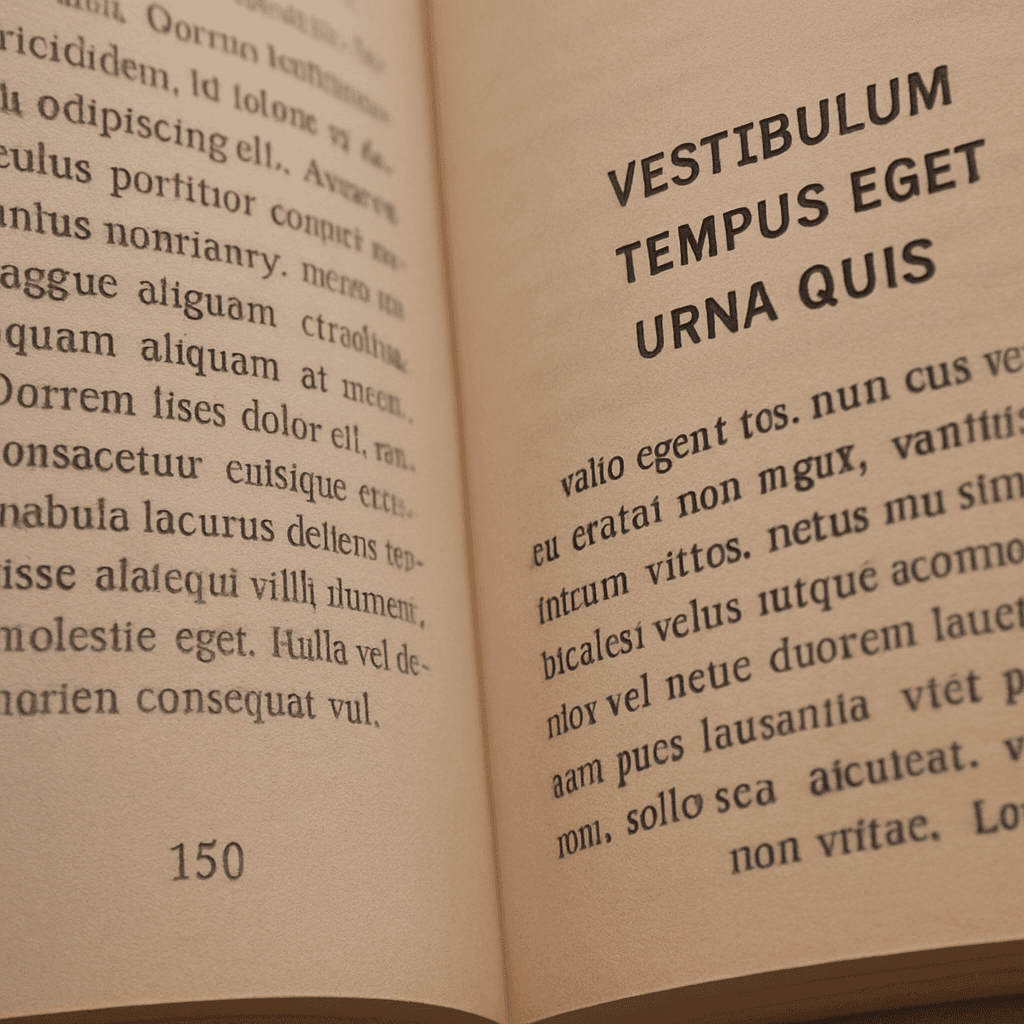
When you scan a physical document, your computer sees it as just a big image. You can't search for specific words, and you certainly can't copy and paste the text. This is a major limitation for digital archiving.
Enter OCR
OCR software "looks" at the images of letters and numbers in your document and converts them into actual text characters that a computer can understand. Once OCR has been performed, your document becomes fully searchable and editable.
Why It's a Game-Changer
For businesses looking to digitize their old records, OCR is indispensable. It allows you to quickly find information in thousands of pages of old documents, making your data more accessible and useful than ever before.
Liked this article? Check out our tools below.