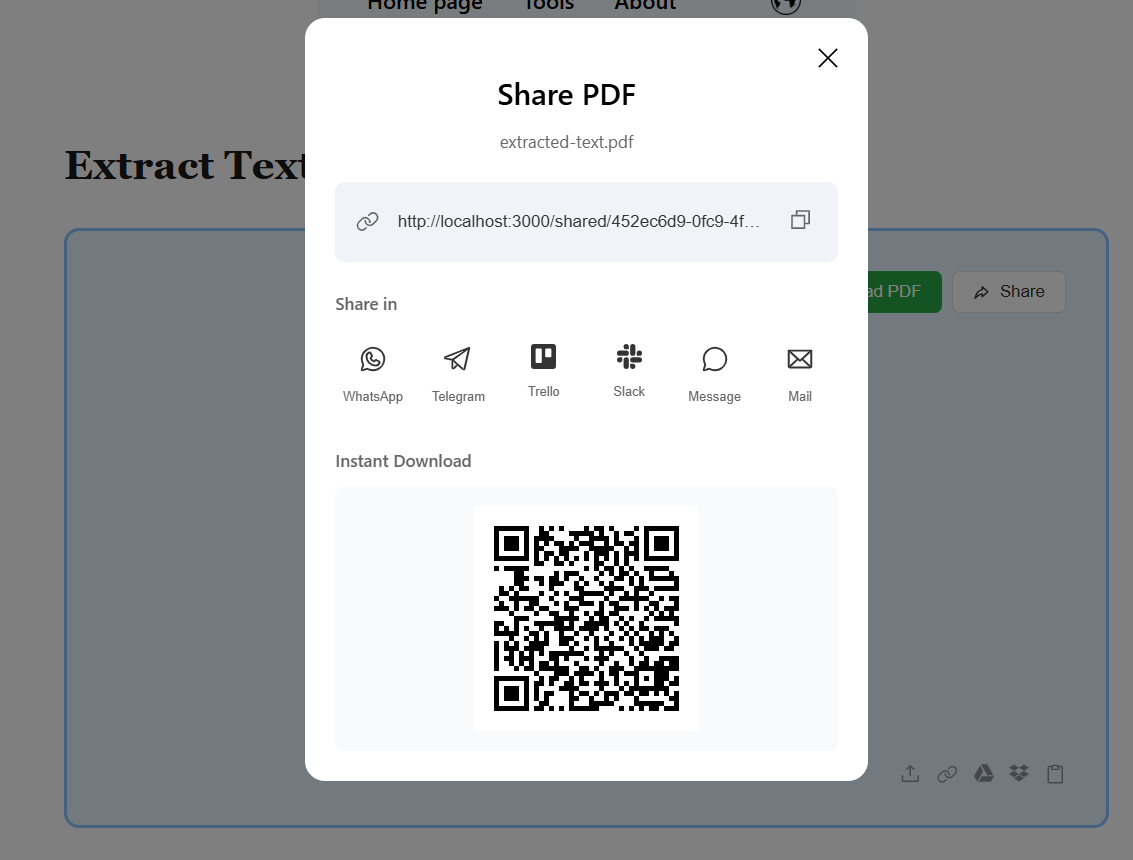
Extract Text from Image (OCR)

Extract text from images instantly.
- Supports JPG, PNG, WEBP
- High accuracy OCR
- Download as Text or PDF
Your files are processed in the browser and not stored.
Step-by-Step Instruction
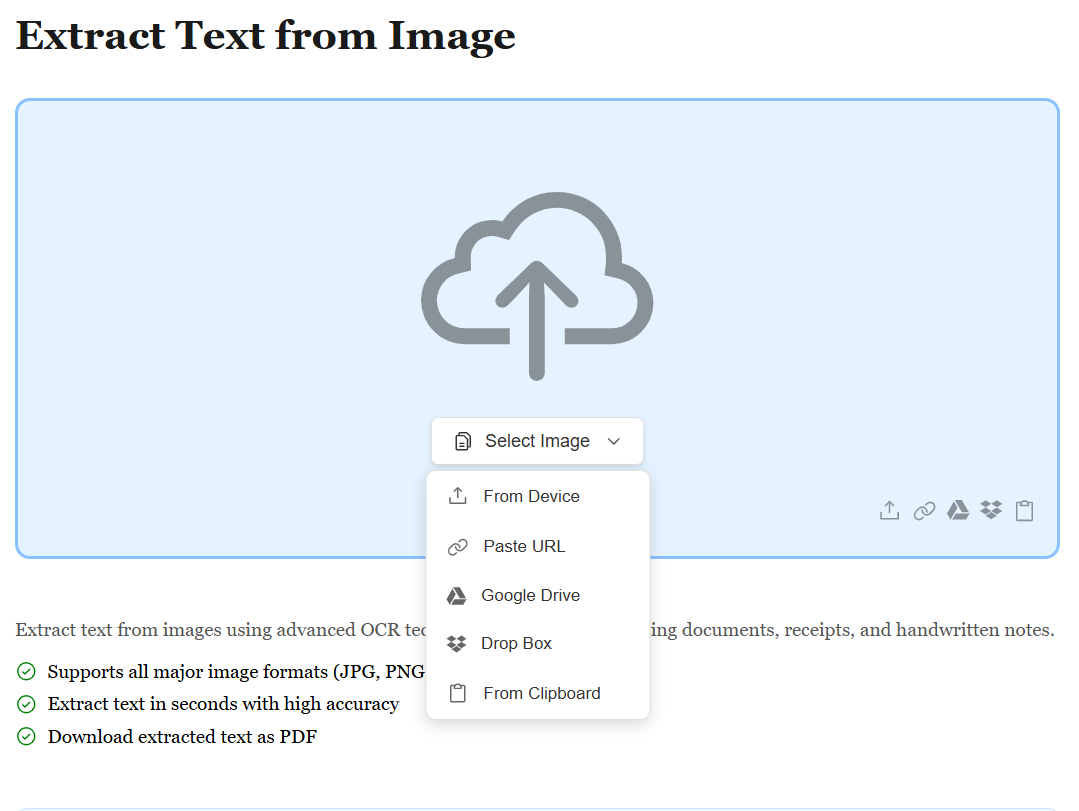
Upload Your Image File
Start by uploading your image file (JPG, PNG, TIFF, or any format) using the method that works best for you. Whether it's from your device, Google Drive, Dropbox, or by pasting a file URL, we support all sources. No matter where your image is stored, extracting text is just a click away.
Automatic OCR Text Recognition
Once your image is uploaded, our advanced OCR (Optical Character Recognition) engine automatically scans and identifies all text in your image. Whether it's printed documents, screenshots, photos, or handwritten notes, we accurately recognize and extract every word. The process happens in seconds, supporting multiple languages and fonts.
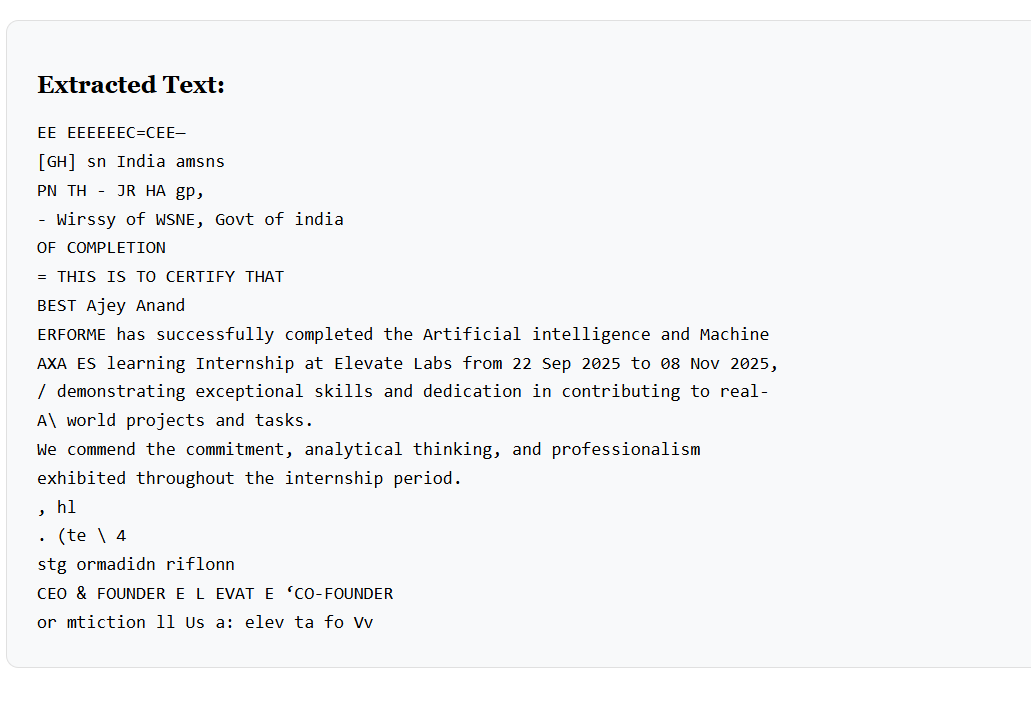
Download Your Extracted Text
After extraction, all recognized text is displayed and ready to use. Copy the text directly or download it as a text file (.txt). Your extracted text is ready to edit, search, translate, or use in any application — accurate, clean, and fully accessible.