Reorder PDF Pages

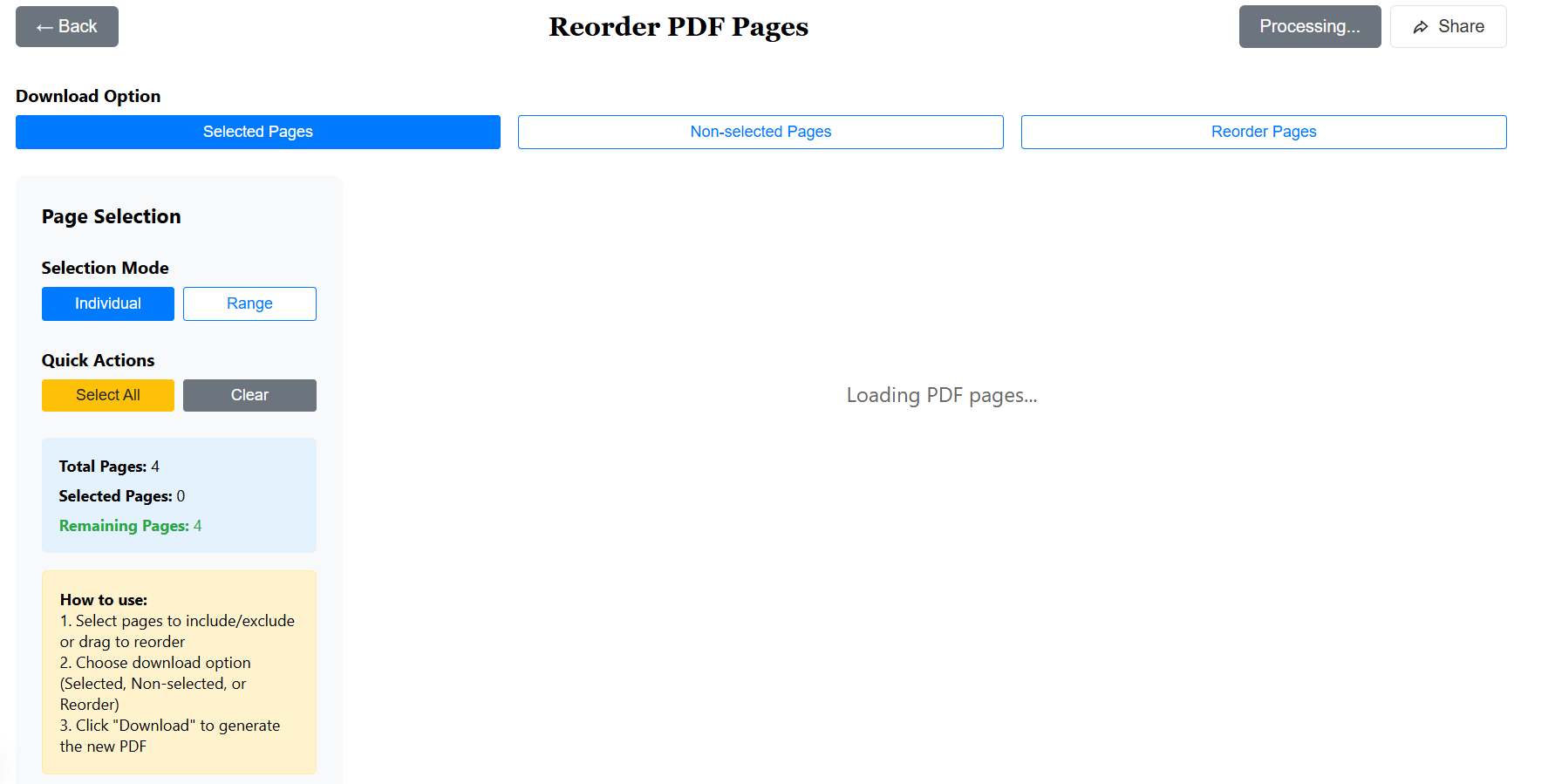
Reorder your PDF pages easily via drag and drop.
- Drag and drop pages
- Process in browser
- 100% Secure
Protected. Encrypted.
Your files are processed in the browser and not stored.

Reorder your PDF pages easily via drag and drop.
Your files are processed in the browser and not stored.
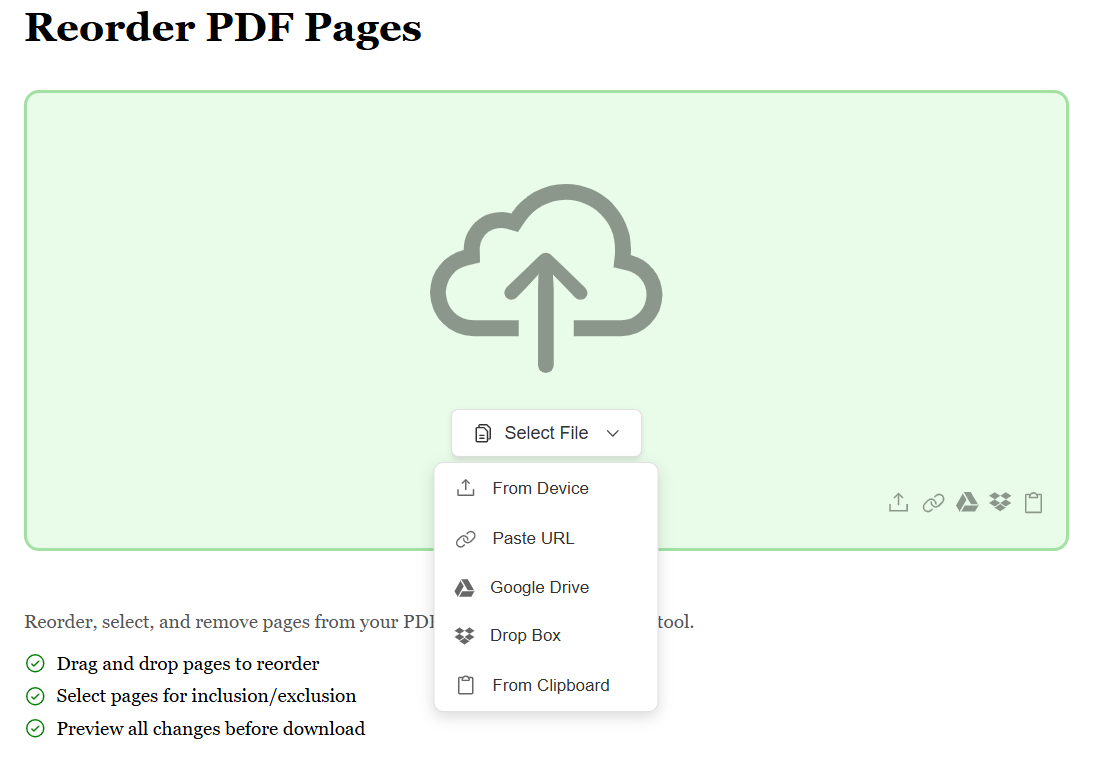
Start by uploading your PDF file using any method that suits you best. Whether it's from your device, Google Drive, Dropbox, or by pasting a file URL, we make it seamless. No matter where your PDF is stored, getting it ready to reorder is just a click away.
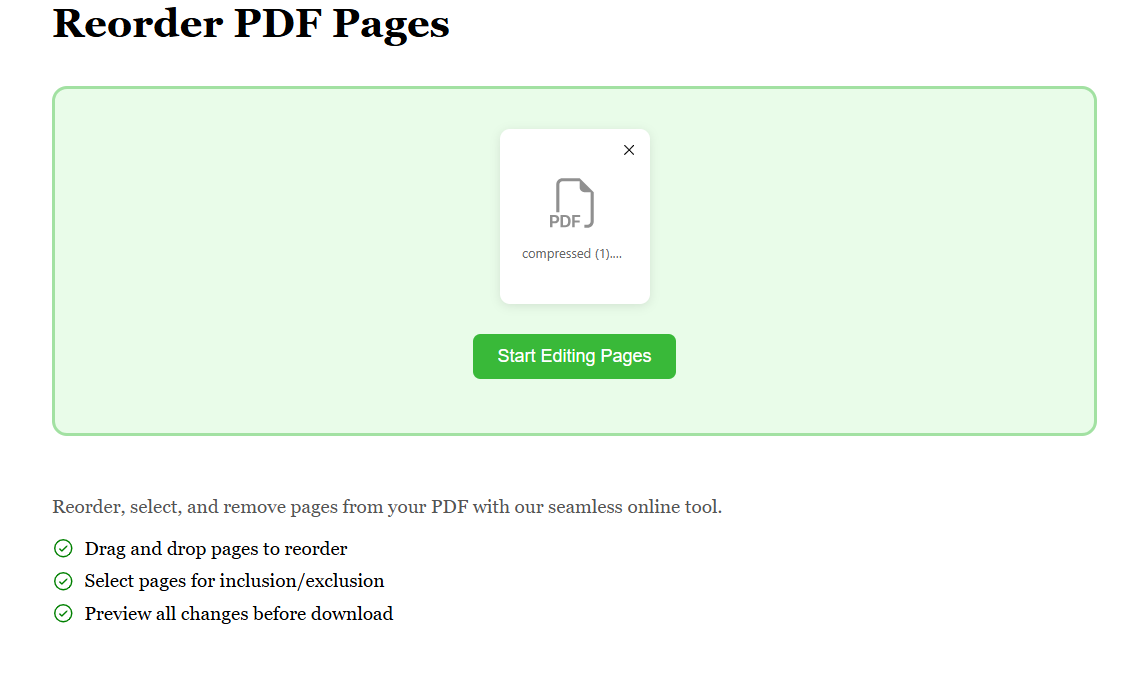
Once your PDF is uploaded, preview all pages in a visual grid. Simply drag and drop pages to rearrange them in any order you want. You can also select specific pages to include or exclude from your final document. Our intuitive interface makes reorganizing your PDF effortless and precise.
After arranging your pages in the perfect order, choose your download option — keep all pages in new order, download only selected pages, or exclude unwanted pages. With just one click, your reordered PDF is generated instantly and ready to download. Simple, fast, and exactly how you need it.