Rotate PDF

Quickly rotate your PDF pages clockwise and download the corrected version.
- Rotate pages by 90°, 180°, or 270°
- Works on any device
- Secure and fast
Protected. Encrypted.
Your files are processed in the browser and not stored.

Quickly rotate your PDF pages clockwise and download the corrected version.
Your files are processed in the browser and not stored.
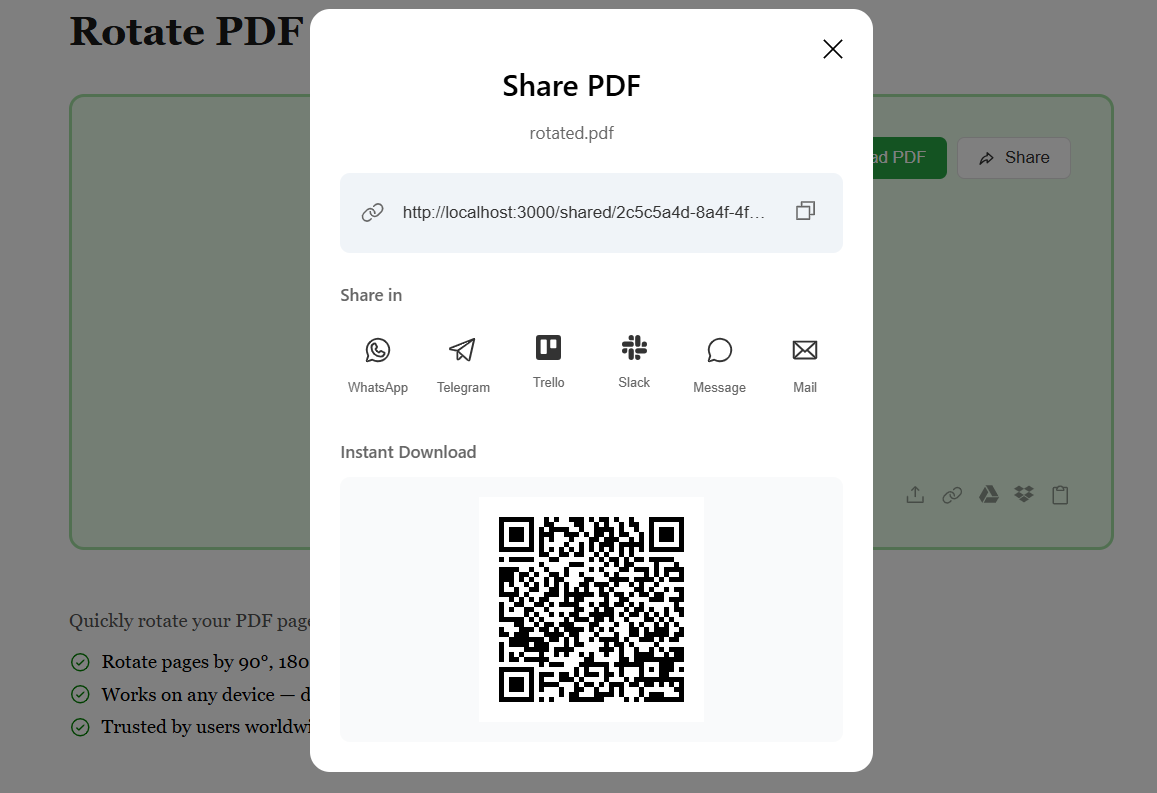
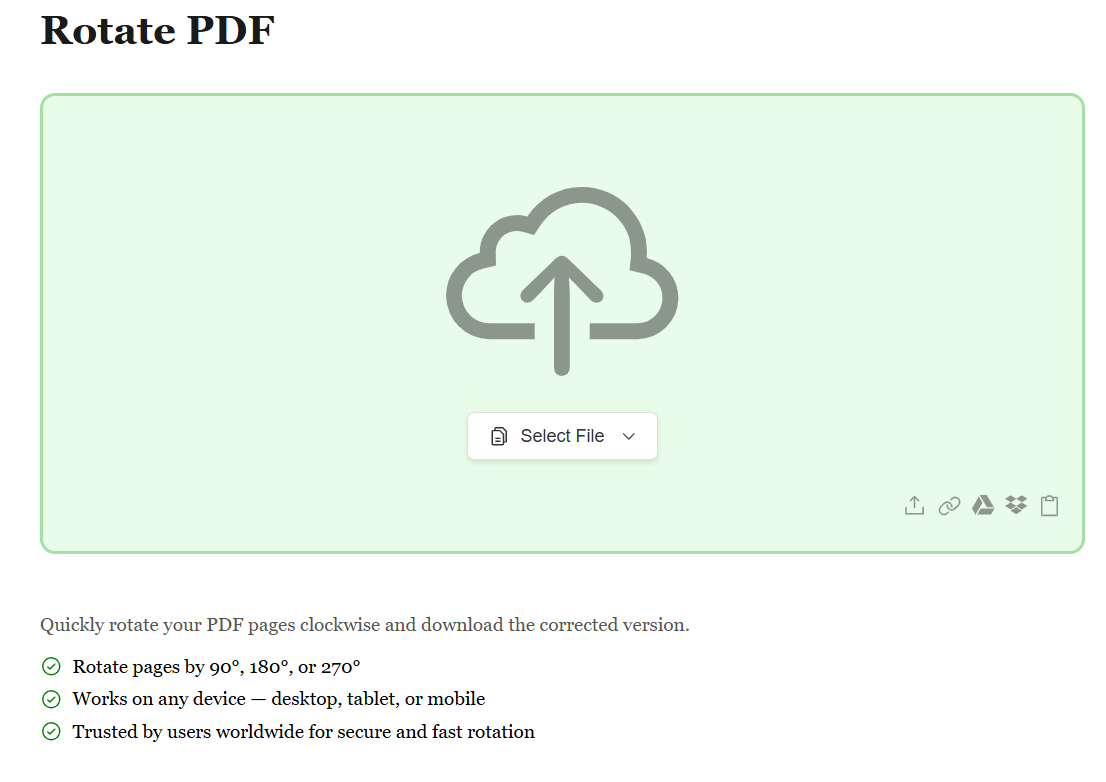
Start by uploading your PDF file using the method that works best for you. Whether it's from your device, Google Drive, Dropbox, or by pasting a file URL, we've got you covered. No matter where your PDF is stored, getting it ready to rotate is just a click away.
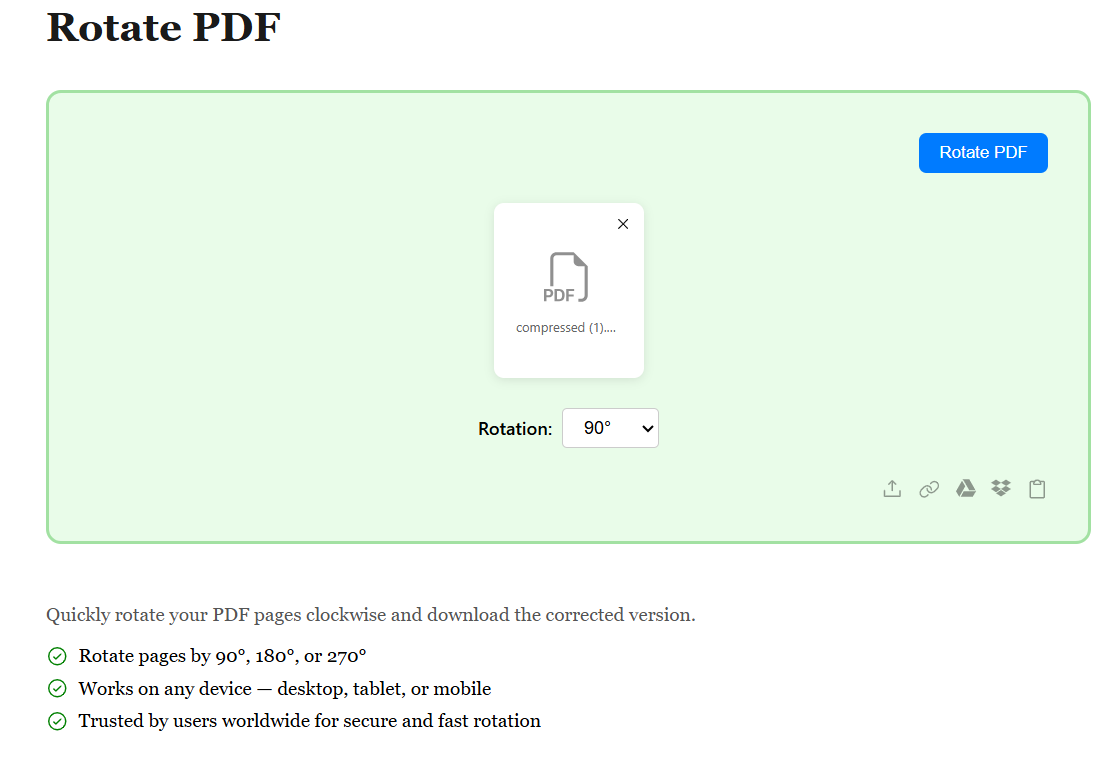
Once your PDF is uploaded, preview all pages and select the ones you want to rotate. Choose individual pages, multiple pages, or rotate all at once. Simply click the rotation buttons to rotate pages 90°, 180°, or 270° clockwise. Our visual preview lets you see changes in real-time.
After rotating your pages to the perfect orientation, review your changes and hit Download. Your rotated PDF is generated instantly with all pages oriented exactly as you need them. Fast, accurate, and ready to use.