
FileMint

Split PDF

Upload Icon

Split your PDF into multiple files by extracting pages or dividing into equal parts.

  • Extract specific pages into a new PDF
  • Split by page ranges or fixed intervals
  • Download all split files instantly
  • Works on any device — desktop, tablet, or mobile
Protected. Encrypted. Automatically Deleted.


Your files are processed in the browser and not stored. Instant and safe.
Google CloudOneDriveDropboxNorton

Step-by-Step Instruction

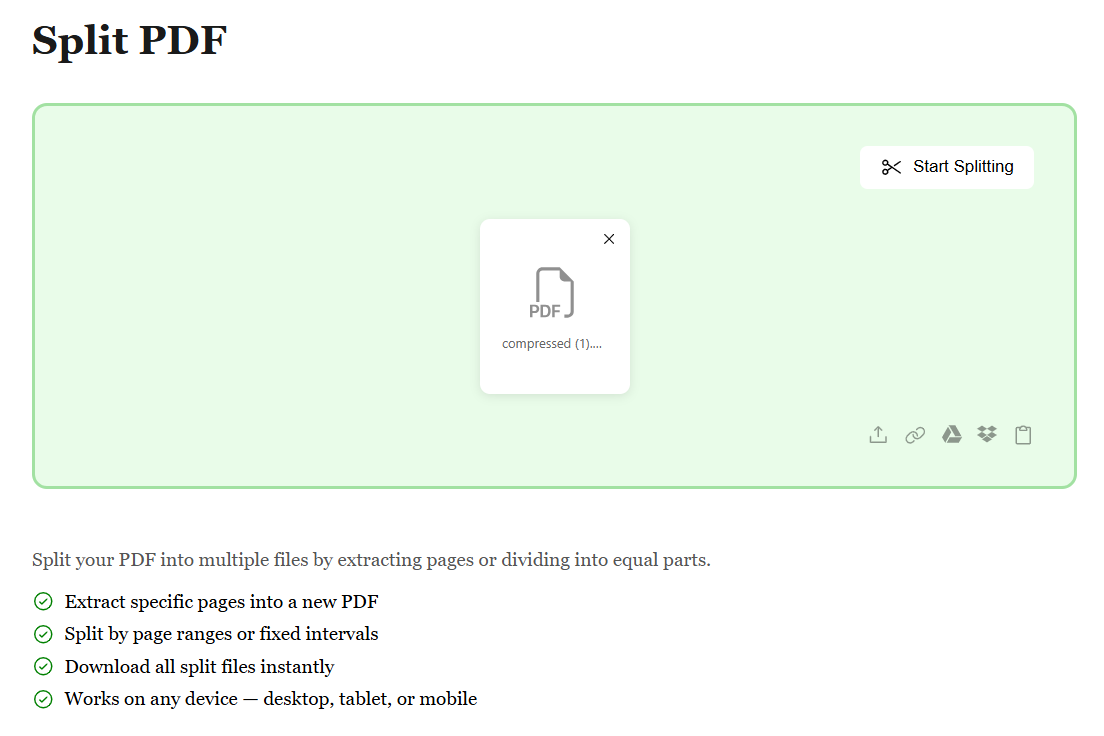
Upload Your PDF File

Start by uploading your PDF file through any method that works best for you. Whether it's from your device, Google Drive, Dropbox, or by pasting a file URL, we make it simple. No matter where your PDF is stored, getting it ready to split is just a click away.

Upload Your PDF File

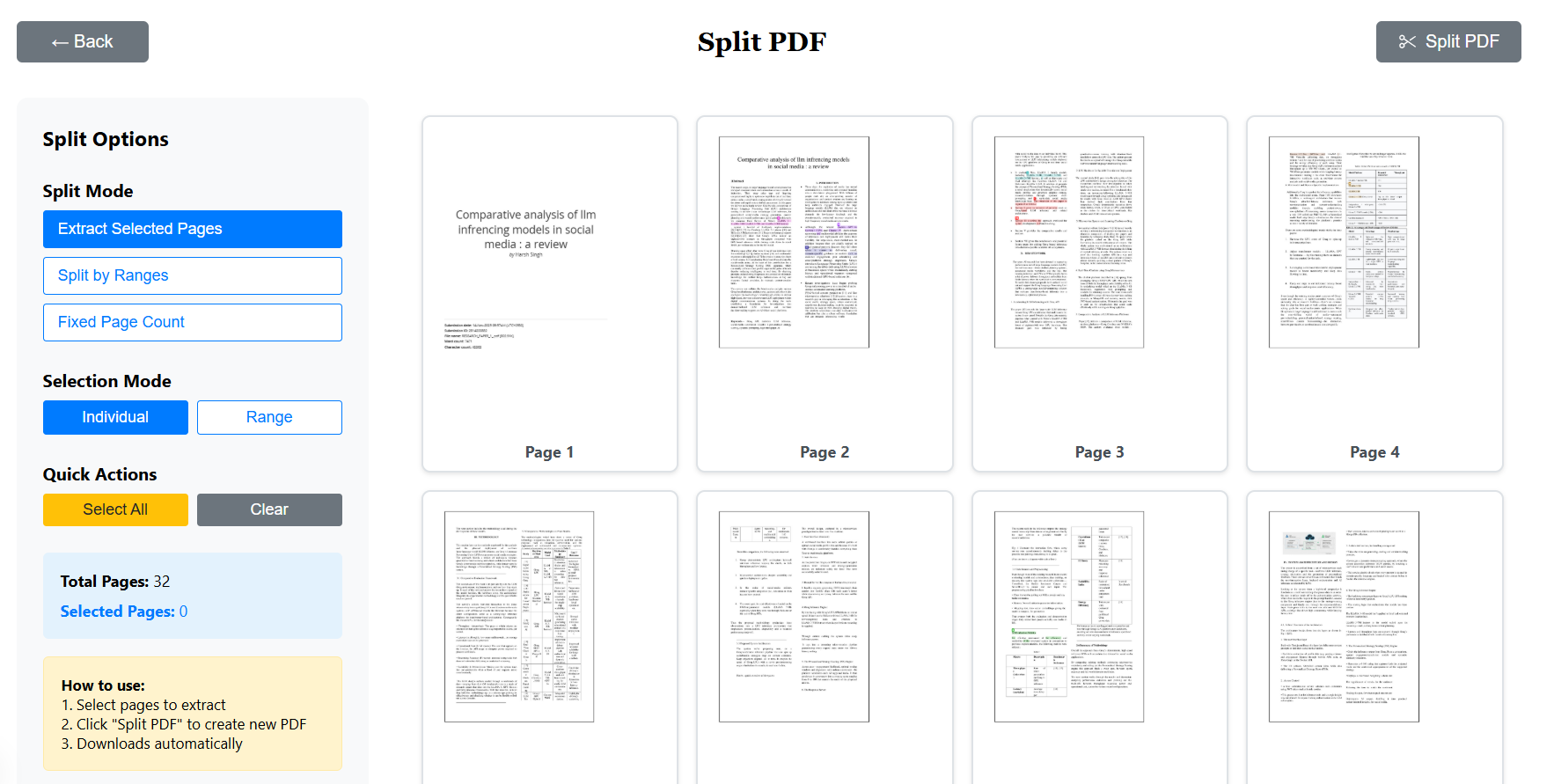
Select Pages to Extract or Remove

Once your PDF is uploaded, preview all pages and choose exactly what you need. Select individual pages, page ranges, or click to mark pages for extraction. You can also choose to download non-selected pages. Our intuitive interface makes splitting your PDF effortless.

Select Pages to Extract or Remove

Download Your Split PDF Instantly

After selecting your pages, choose your preferred download option — extract selected pages, remove unwanted pages, or create a custom arrangement. With just one click, your new PDF is generated and ready to download. Fast, secure, and hassle-free.

Download Your Split PDF Instantly

What Our Users Say

Sneha R.

Research Scholar

Perfect for handling research papers and references. The quality stays intact and it's completely free!

Vikram P.

Lawyer

I deal with legal documents daily. This tool helps me organize case files efficiently. Very secure and reliable.

Ananya T.

College Student

As a student, I constantly deal with PDF assignments. This platform lets me convert, merge, and organize them easily before submitting. Huge time-saver!

Rahul M.

Freelance Designer

I use this tool daily for client documents. It's fast, reliable, and the interface is super clean. Highly recommended!

Priya S.

HR Manager

Managing employee documents has never been easier. I can process multiple PDFs in seconds. Great tool for office work!