TIFF to PDF

Easily convert TIFF and TIF images into high-quality PDF documents.
- Upload multiple TIFF/TIF files (up to 10 at once)
- Convert all images into one PDF document
- High-quality conversion preserving image details
- Works on any device — desktop, tablet, or mobile
Your TIFF files are encrypted during upload and automatically deleted after 2 hours. No tracking. No storage. Full privacy.




Step-by-Step Instruction
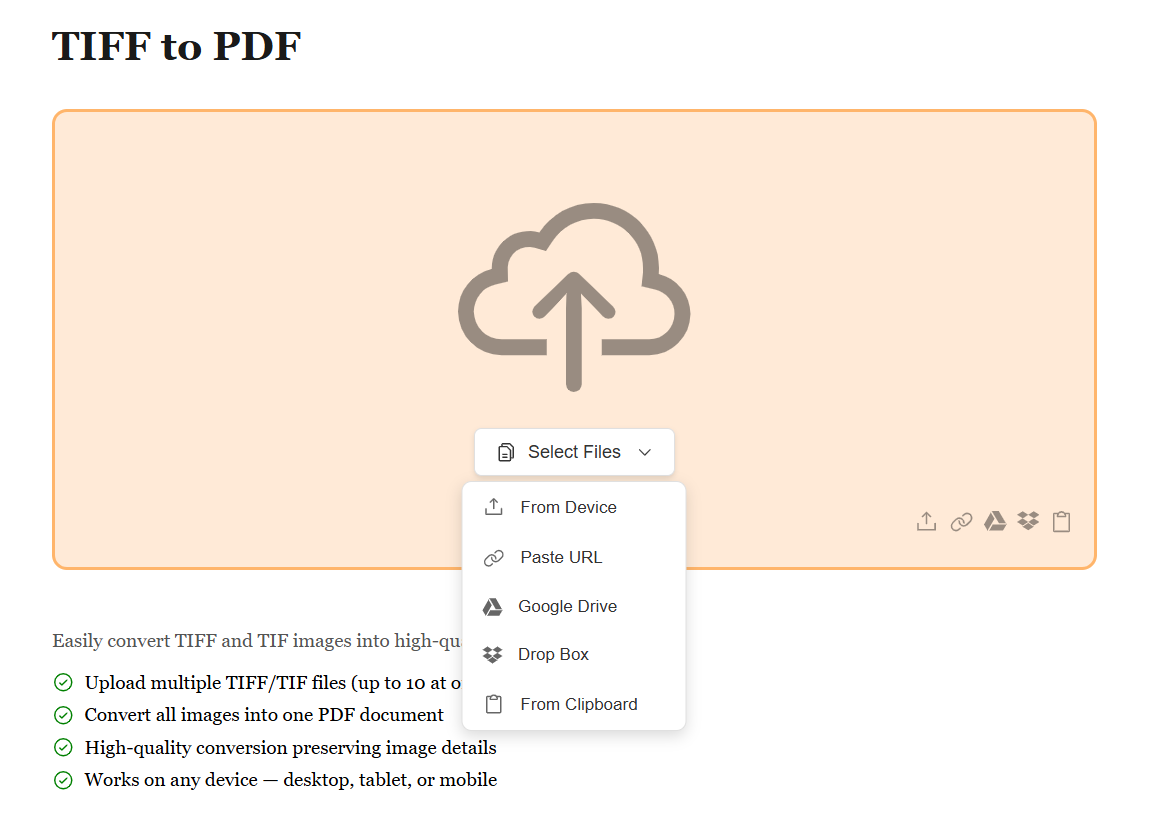
Upload Your TIFF Images
Start by uploading your TIFF/TIF images using the method that works best for you. Whether it's from your device, Google Drive, Dropbox, or by pasting a file URL, we support all sources. Upload single or multiple images at once. No matter where your high-resolution images are stored, converting them to PDF is just a click away.
Arrange and Customize Your Images
Once your TIFF images are uploaded, preview them and arrange them in your preferred order. Drag and drop to reorder, remove unwanted images, or add more. Our tool automatically preserves the high quality and multi-page structure of TIFF files to create a professional PDF document.
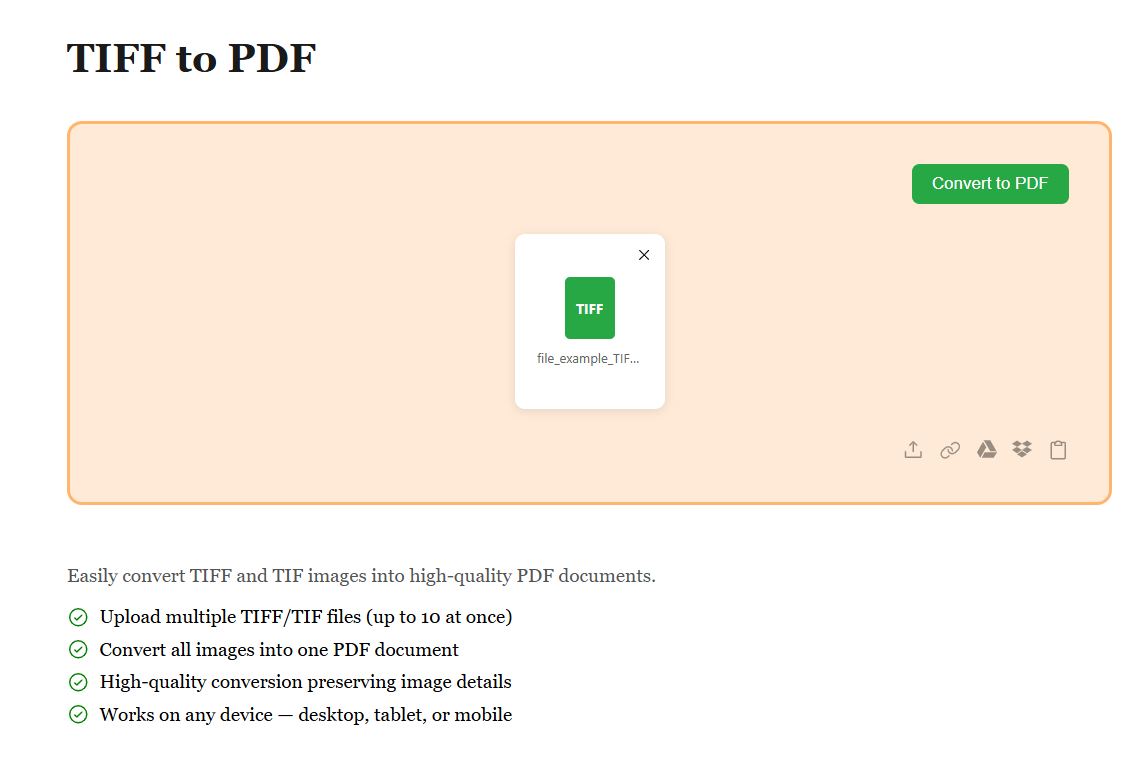
Download Your PDF Instantly
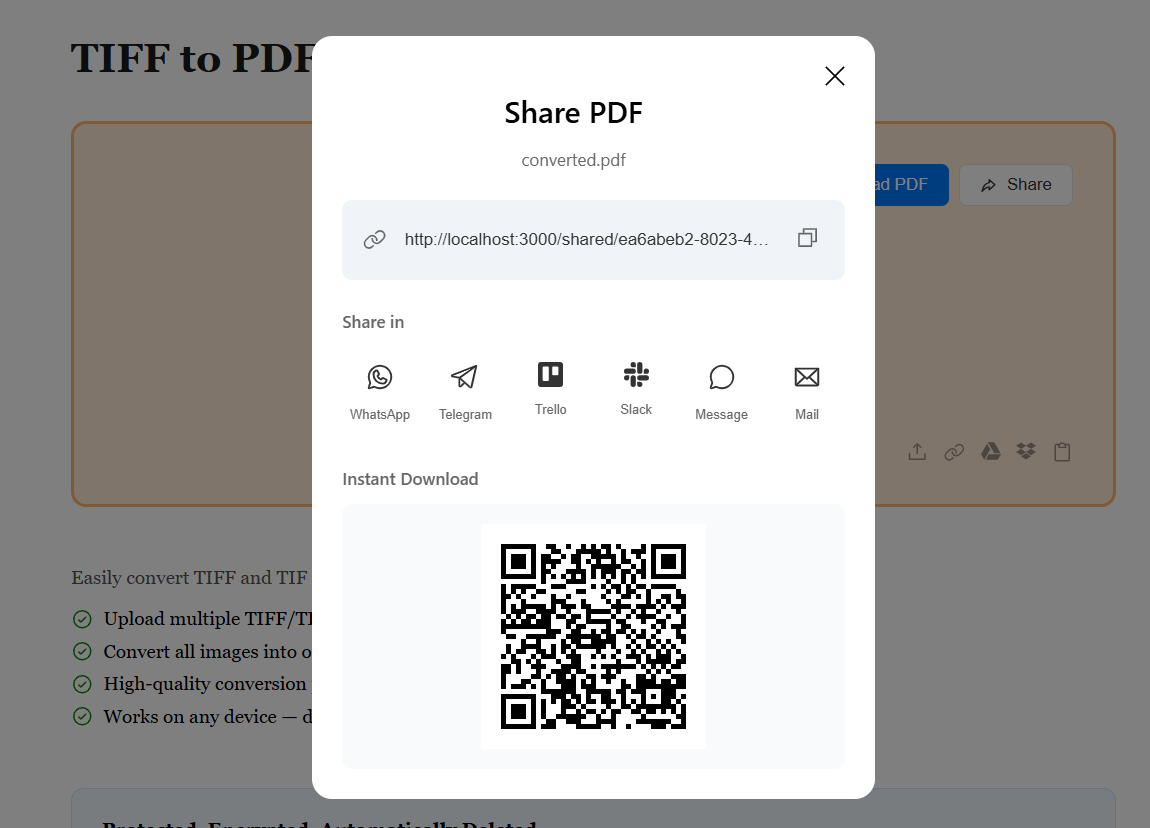
After arranging your images, hit the Convert button and your TIFF images are instantly transformed into a single PDF document. Preview the result and download your file. Your PDF is ready to share, archive, or print — with all high-resolution details perfectly preserved.