Add Watermark

Securely watermark your PDF documents.
- Customize text, size, opacity
- Instant preview
- Process entirely in browser
Your files are processed in the browser and not stored.
Step-by-Step Instruction
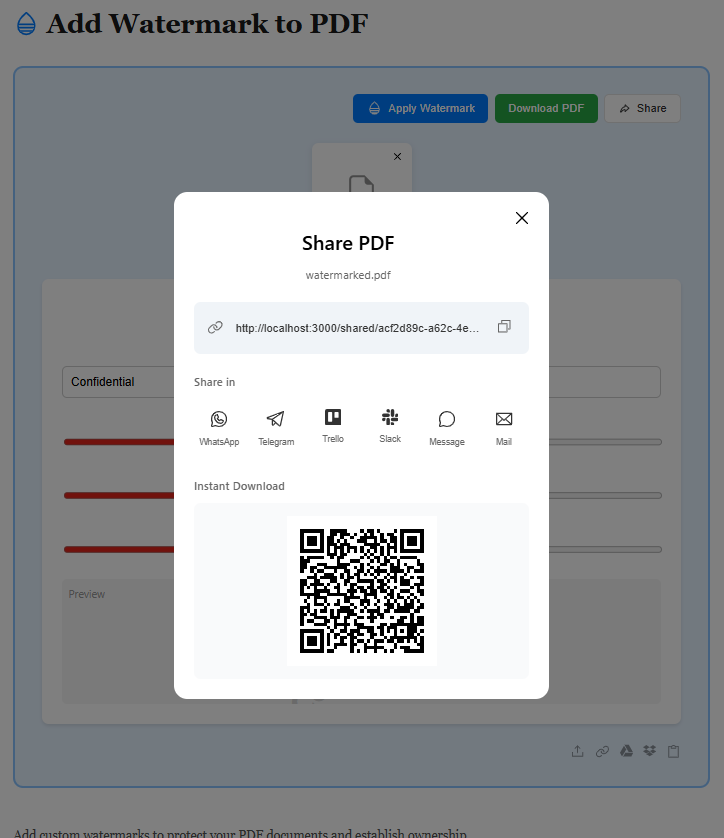
Upload Your PDF File
Start by uploading your PDF file using the method that works best for you. Whether it's from your device, Google Drive, Dropbox, or by pasting a file URL, we support all sources. No matter where your PDF is stored, adding a watermark for protection and branding is just a click away.
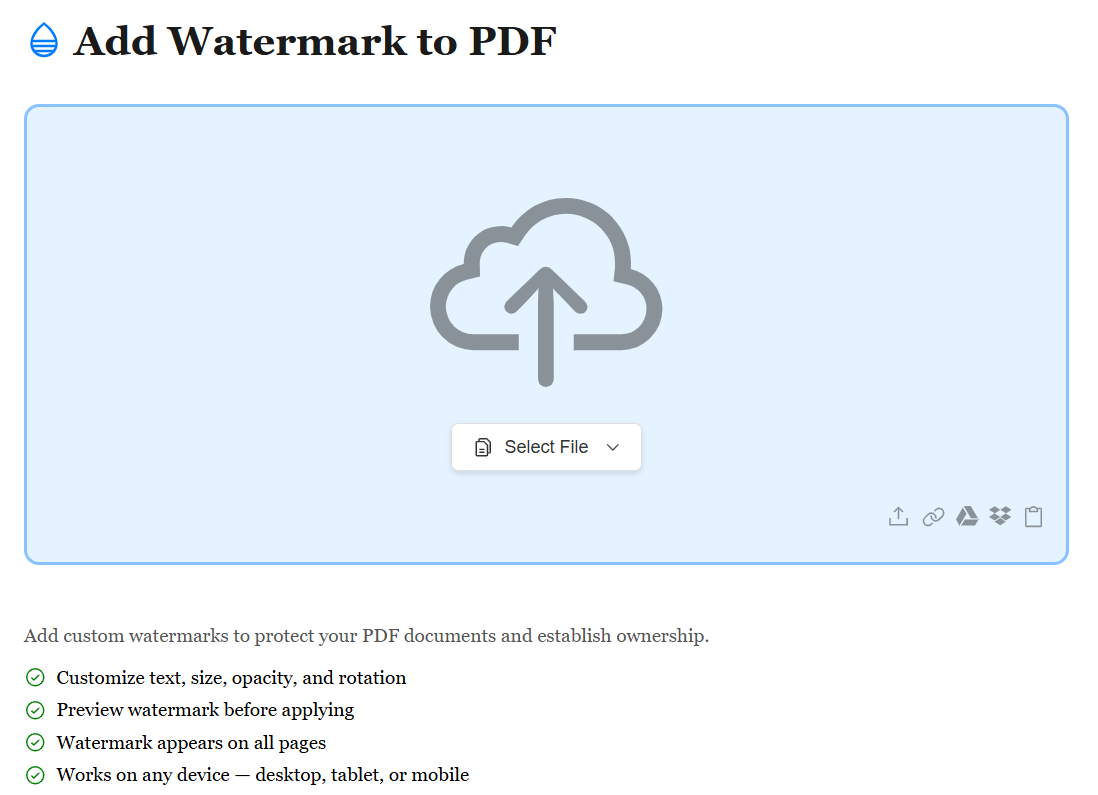
Customize Your Watermark
Once your PDF is uploaded, choose your watermark type — text or image. Customize the text content, font, size, color, opacity, rotation, and position. For image watermarks, upload your logo or signature and adjust placement. Preview your watermark in real-time to ensure it looks perfect on every page.
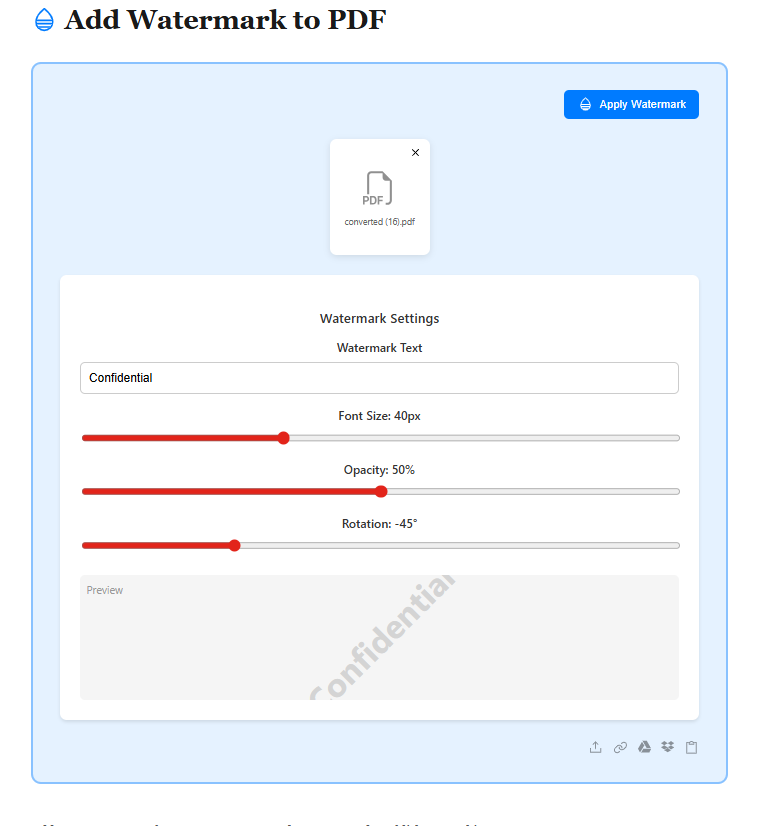
Download Your Watermarked PDF
After customizing your watermark, hit the Apply button and your watermark is instantly added to all pages. Preview the result and download your file. Your watermarked PDF is ready to share, publish, or distribute — with your brand or copyright protection clearly visible.