PDF to HTML
Convert your PDF files to HTML format for web publishing and editing with our seamless online tool.
- Extract content and structure from PDFs
- Works on any device — desktop, tablet, or mobile
- Trusted by users worldwide for secure and fast conversion
For years, our platform has helped users convert and manage files securely—with no file tracking, no storage, and full privacy. Every document you upload is encrypted and automatically deleted after 2 hours. Your data stays yours—always.




Step-by-Step Instruction
Upload Your PDF File
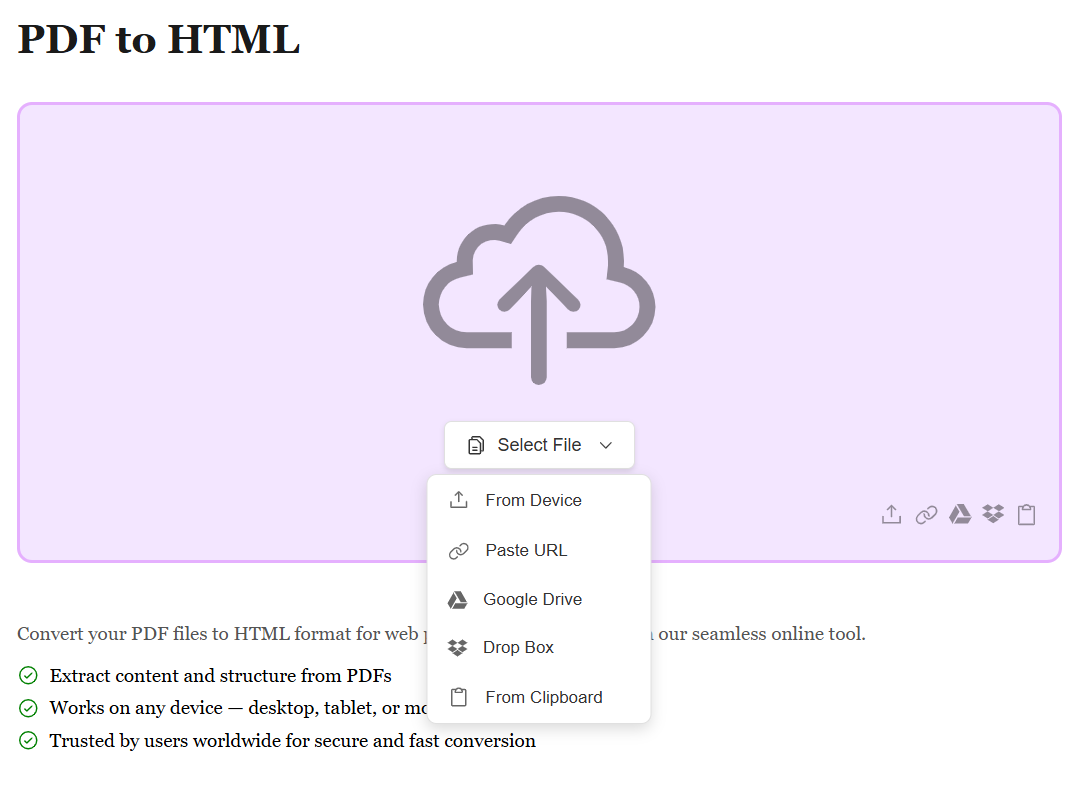
Start by uploading your PDF file using the method that works best for you. Whether it's from your device, Google Drive, Dropbox, or by pasting a file URL, we support all sources. No matter where your PDF is stored, converting it to web-ready HTML is just a click away.
Automatic HTML Conversion
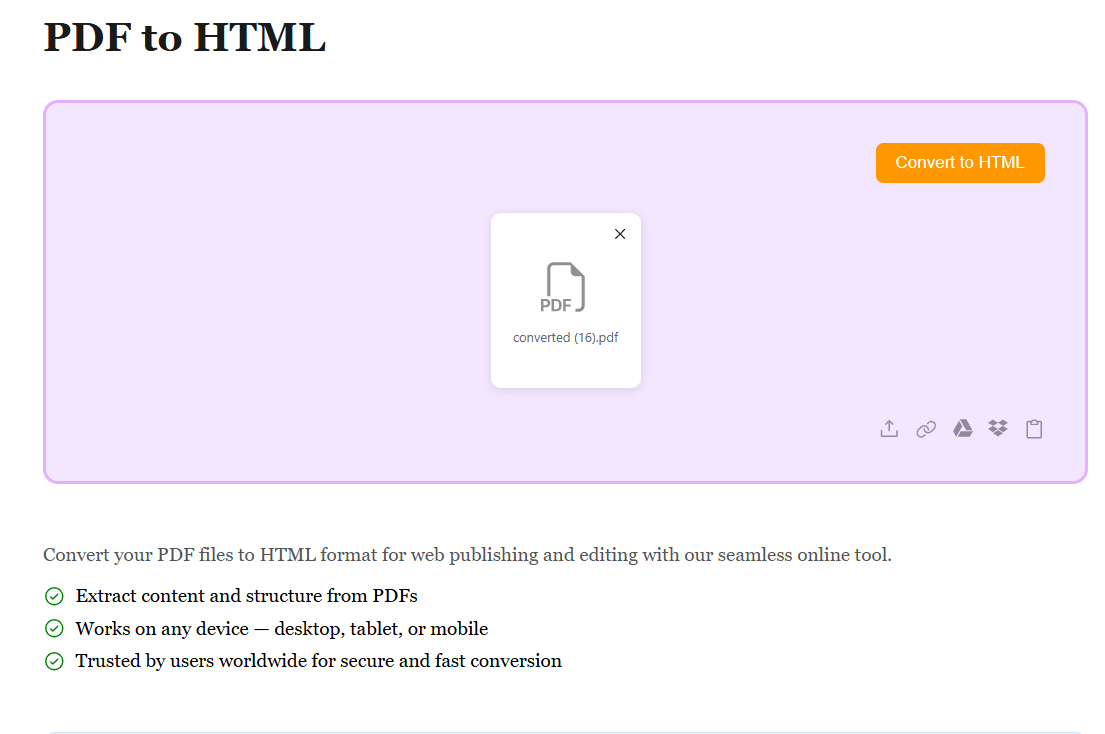
Once your PDF is uploaded, our advanced conversion engine automatically transforms your document into clean HTML code. All text, images, links, tables, and formatting are converted into semantic HTML and CSS. The conversion happens in seconds, creating responsive and web-compatible content.
Download Your HTML File
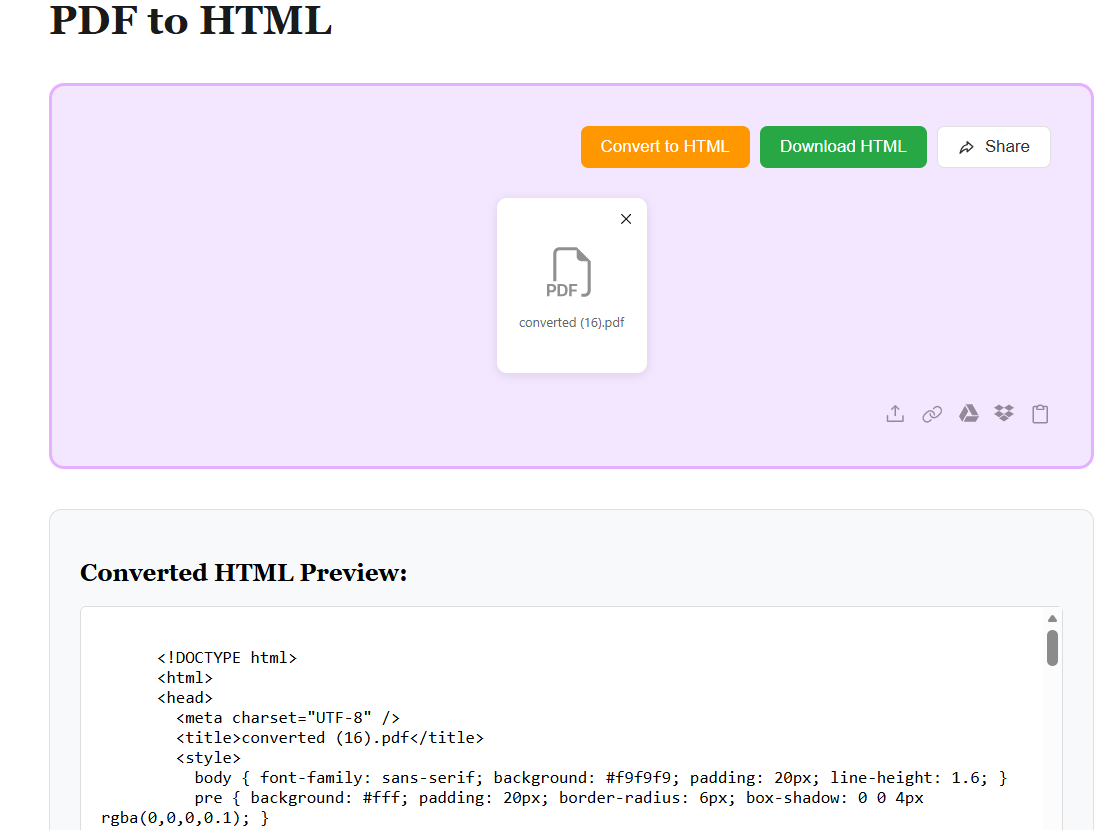
After conversion, your PDF is transformed into a complete HTML file with embedded styles and images. Preview the results and hit Download to get your file. Your HTML is ready to publish online, embed in websites, or edit — with all content properly structured for the web.