Word to PDF

Convert Word documents (DOC and DOCX) to high-quality PDF files with perfect formatting.
- Preserves fonts, tables, and layouts
- Supports batch conversion of multiple files
- 100% secure and private

Convert Word documents (DOC and DOCX) to high-quality PDF files with perfect formatting.
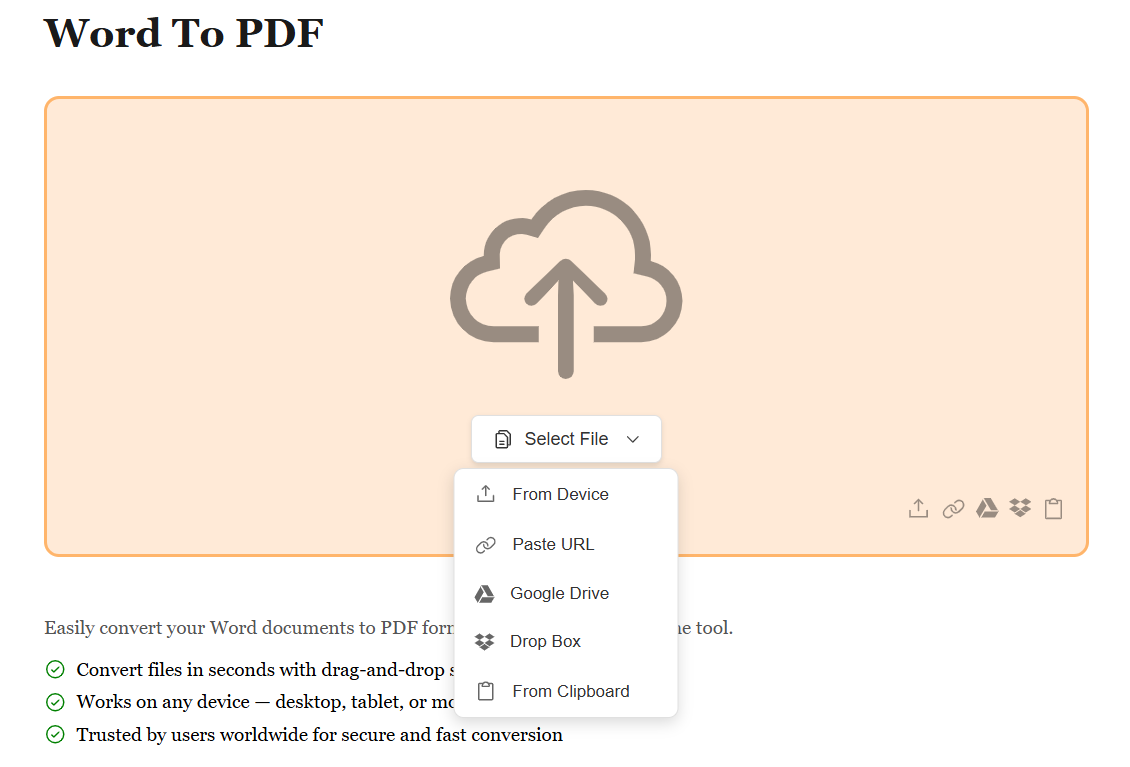
Drag and drop your DOC or DOCX file into the upload area, or click "Select Word Files" to browse from your device, Google Drive, Dropbox, or paste a URL. You can upload multiple files for batch conversion.
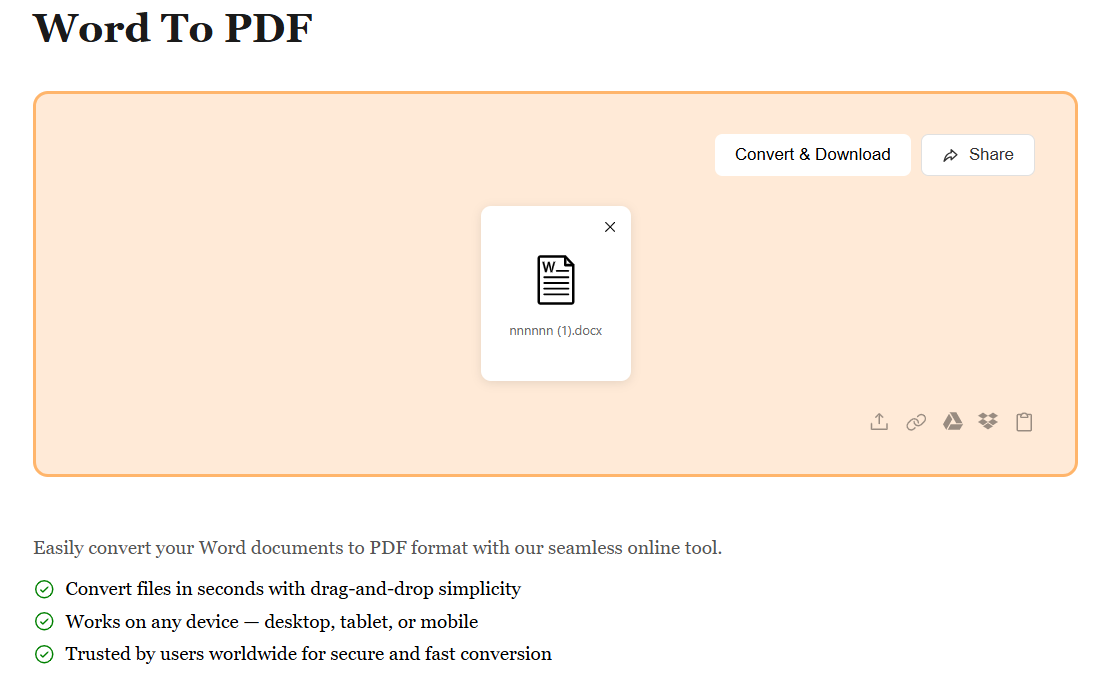
Once your files are uploaded, click the "Convert" button. Our advanced engine preserves all formatting, fonts, tables, images, and layouts — producing a pixel-perfect PDF replica of your original Word document.
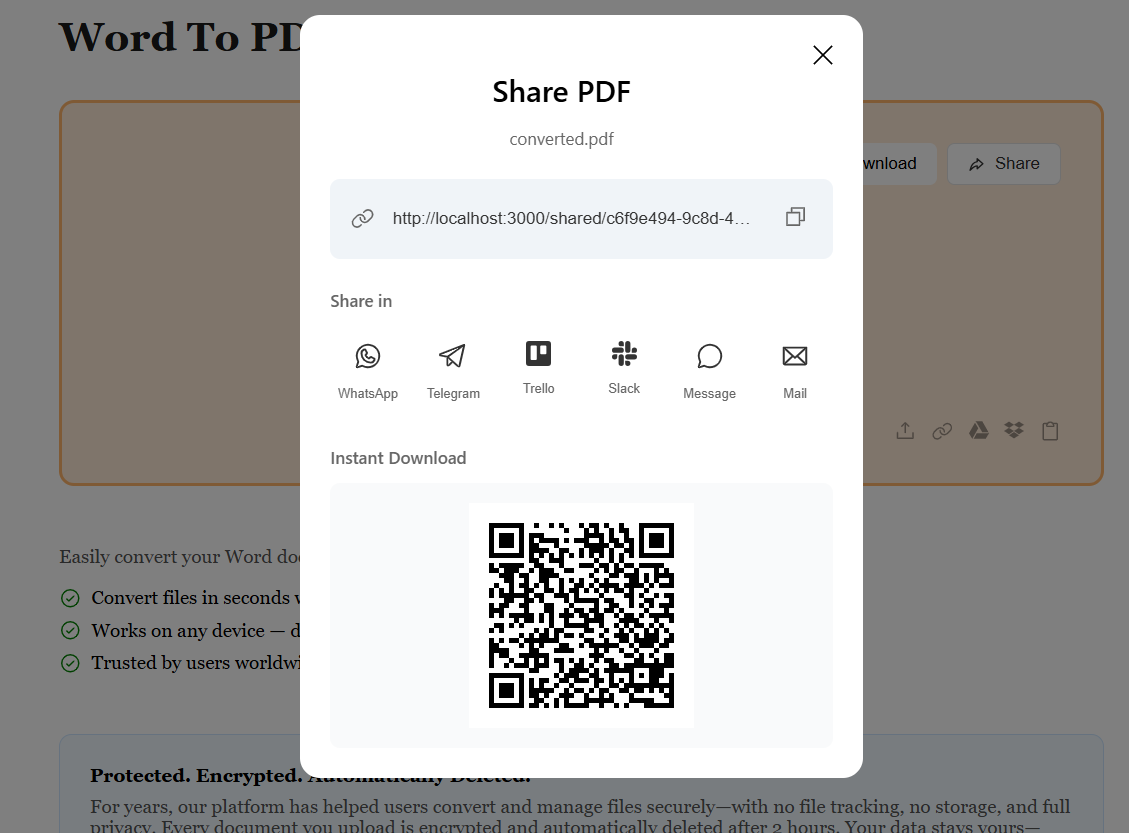
After conversion is complete, download your PDF instantly. For multiple files, you'll receive a convenient ZIP archive. Your converted files are 100% secure and processed on our encrypted servers.
Start by uploading your Word file (.doc or .docx) from your device, Google Drive, Dropbox, or by pasting a URL. You can upload multiple files at once for batch conversion. Simply drag and drop or click to browse.
Once your Word files are uploaded, our advanced conversion engine automatically processes your documents. All fonts, tables, images, headers, footers, and formatting are preserved perfectly. The conversion happens in seconds, maintaining the exact look of your original document.
After conversion, your Word document is transformed into a professional PDF file. For single files, download the PDF directly. For multiple files, receive a convenient ZIP archive. Your PDF is ready to share, print, or archive — with perfect formatting preserved.