PDF to Text

Extract plain text from multiple PDFs simultaneously with high-speed parallel processing.
- Extract text from multiple files
- Supports any PDF structure
- Secure and private extraction
You might also need these tools:
Step-by-Step Instruction
Upload Your PDF File
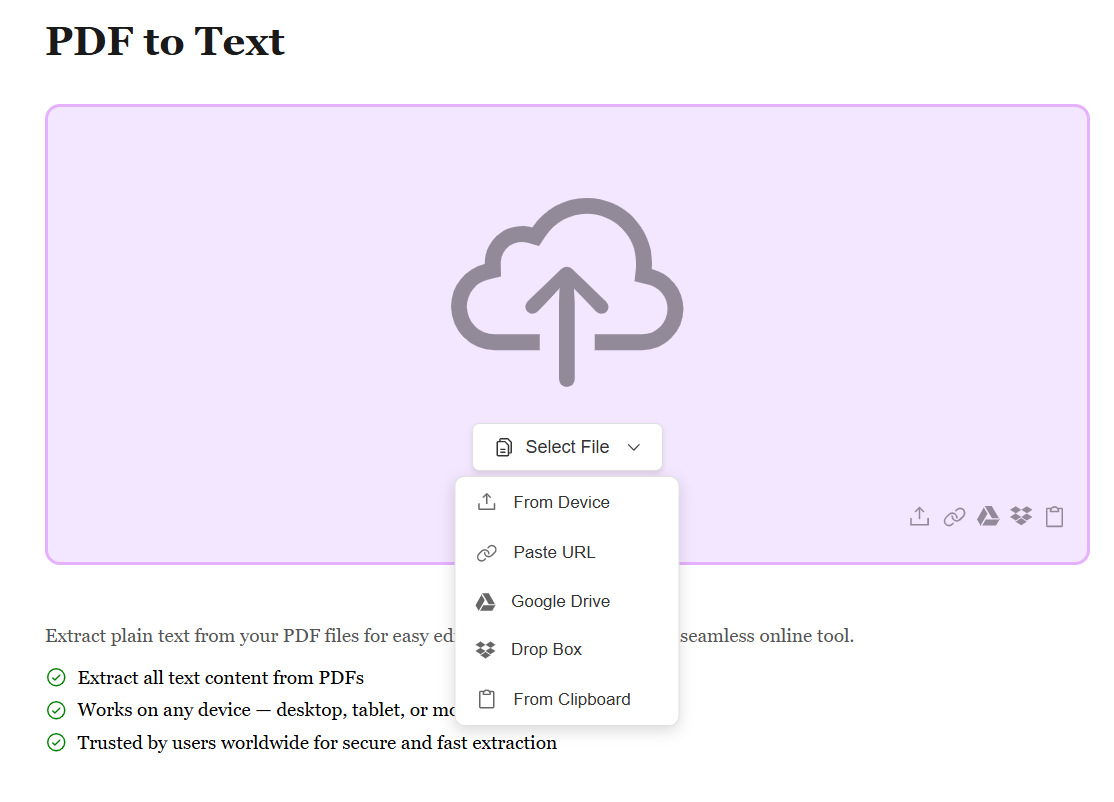
Start by uploading your PDF file using the method that works best for you. Whether it's from your device, Google Drive, Dropbox, or by pasting a file URL, we support all sources. No matter where your PDF is stored, extracting text content is just a click away.
Automatic Text Extraction
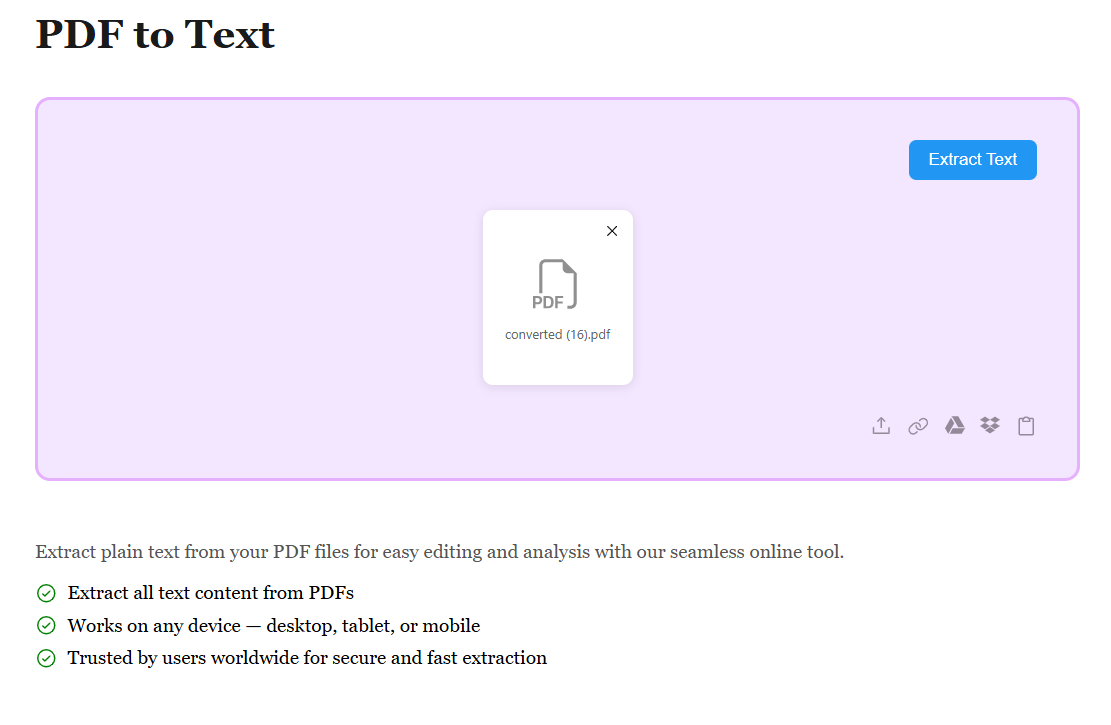
Once your PDF is uploaded, our advanced OCR and text extraction engine automatically identifies and extracts all readable text from your document. Whether it's native text or scanned content, we capture every word accurately. The extraction happens in seconds, maintaining paragraph structure and readability.
Download Your Text File
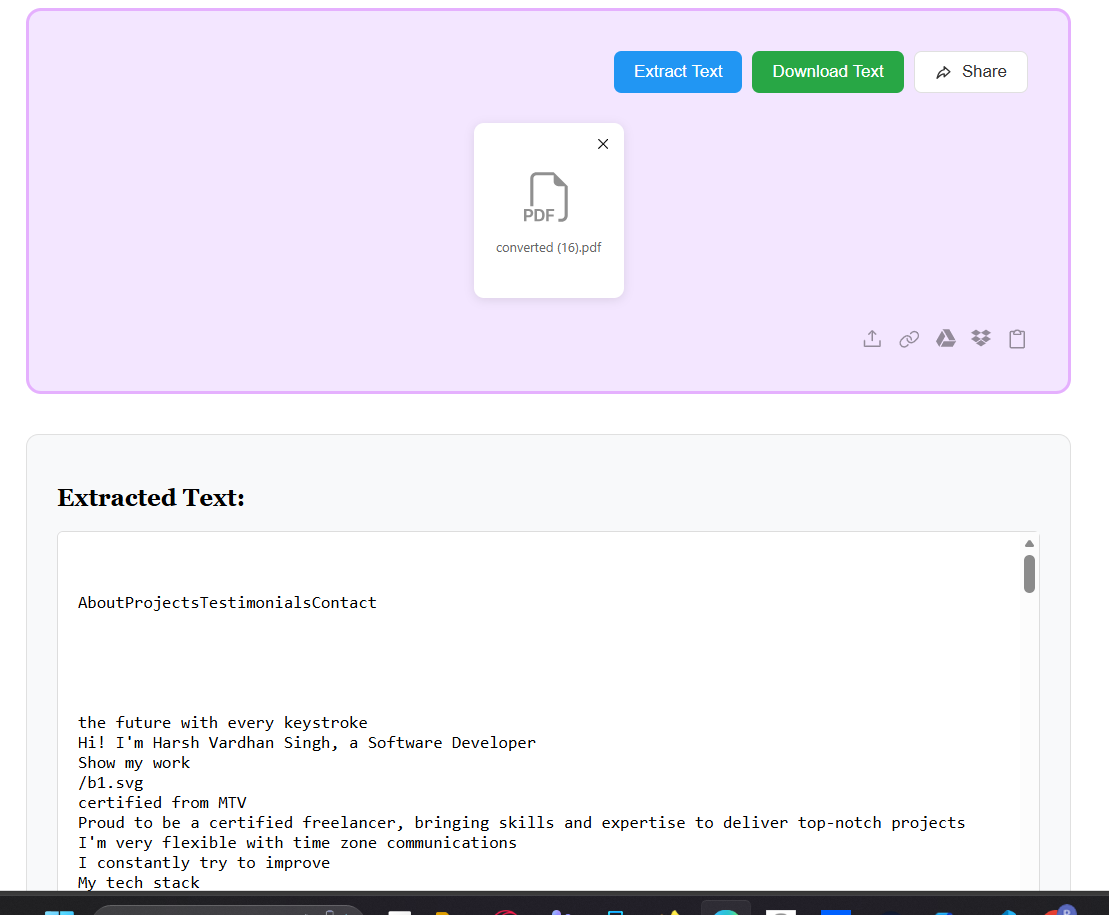
After extraction, all text from your PDF is converted into a plain text file (.txt). Preview the results and hit Download to get your file. Your text is ready to edit, search, copy, or use in any application — clean, accessible, and easy to work with.