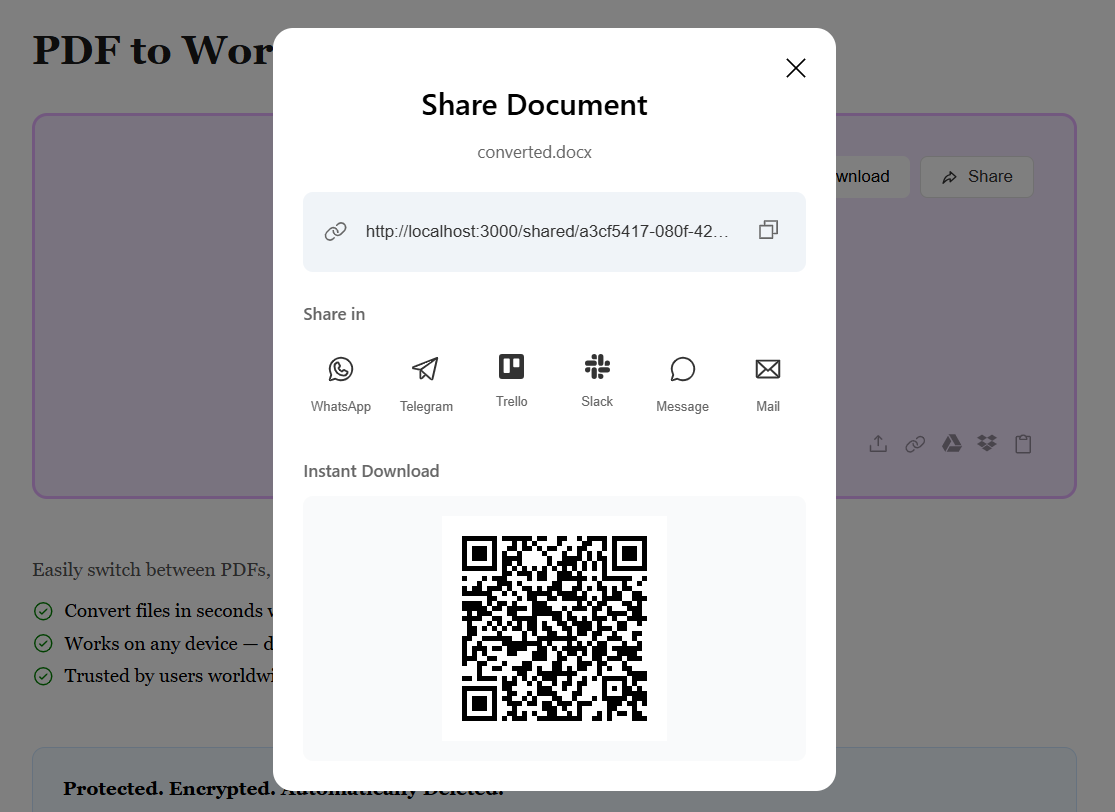
PDF to Word

Batch convert multiple PDFs to Word simultaneously with extreme layout accuracy.
- High-speed parallel processing
- Maintains complex layouts and images
- Secure and encrypted transfers

Batch convert multiple PDFs to Word simultaneously with extreme layout accuracy.
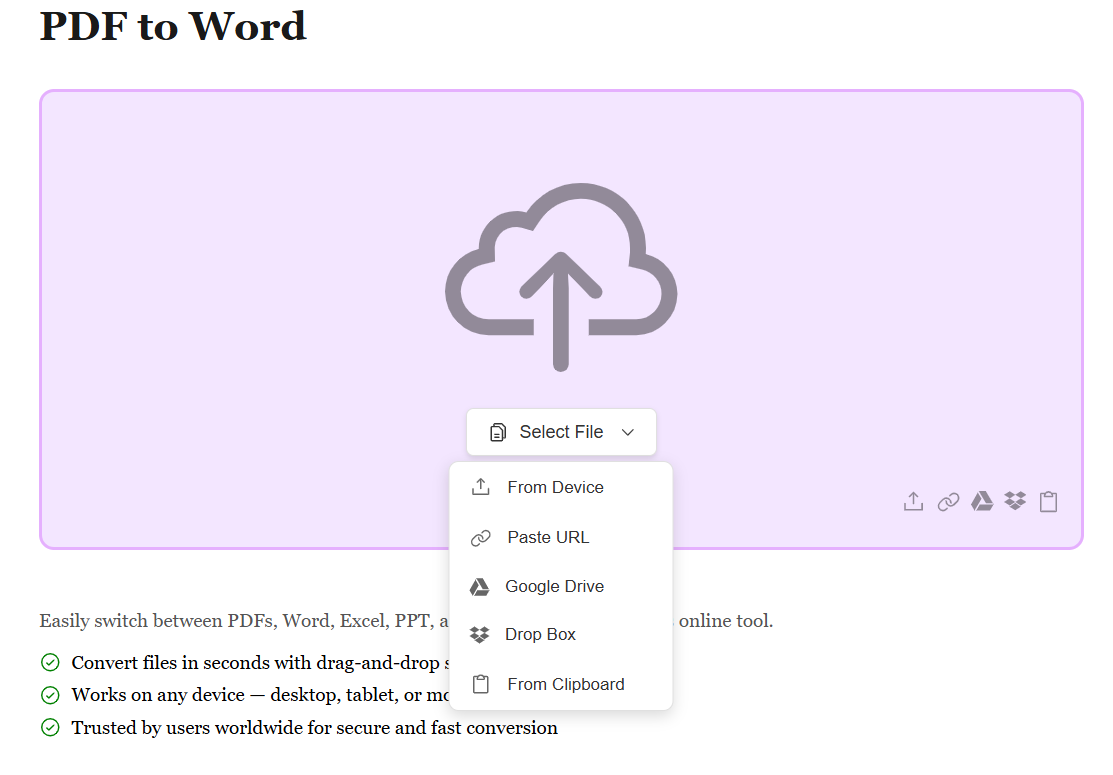
Start by uploading your PDF file using the method that works best for you. Whether it's from your device, Google Drive, Dropbox, or by pasting a file URL, we support all sources. No matter where your PDF is stored, converting it to an editable Word document is just a click away.
Once your PDF is uploaded, our advanced conversion engine automatically processes your document. All text, images, tables, formatting, and layouts are extracted and converted with precision. The conversion happens in seconds, maintaining the structure and editability of your content.
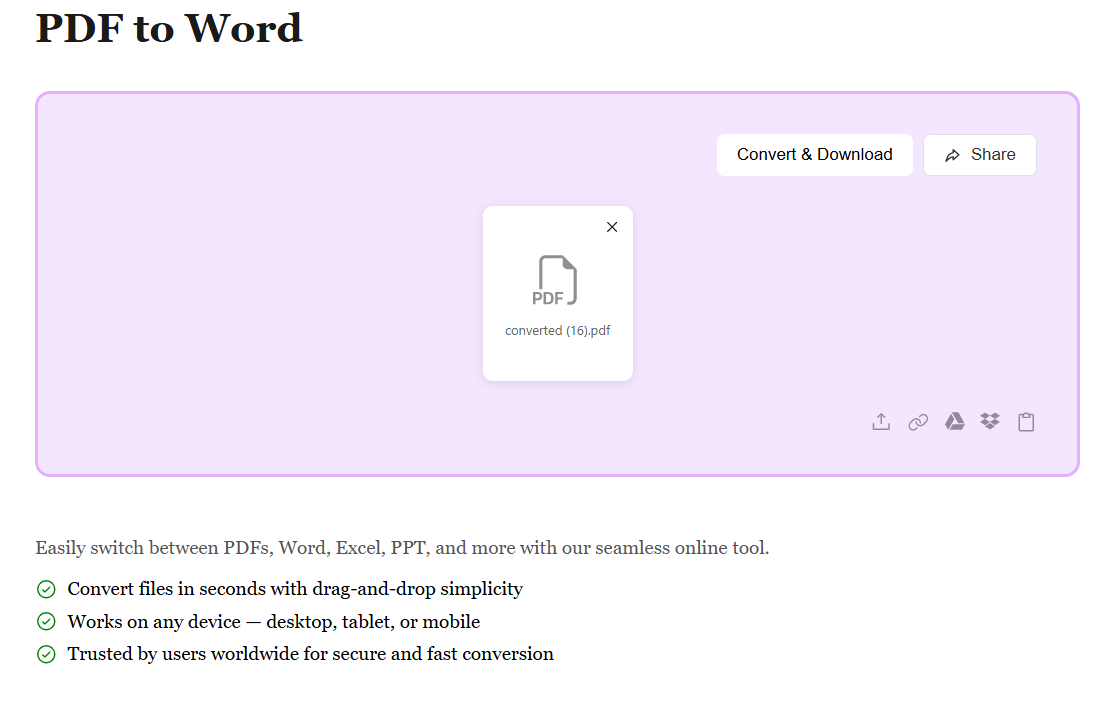
After conversion, your PDF is transformed into a fully editable Word document (.docx). Preview the result and hit Download to get your file. Your Word document is ready to edit, modify, or share — with all content and formatting preserved.